
Find real English books without the hunt
Spend less time looking for an English book and more time enjoying the story. Search by title or author in the SentiaRead mobile app, import an available EPUB, and start reading with word explanations right on the page.
Apps for iPhone, iPad, Android, Mac, Windows, Ubuntu, and compatible E-Ink devices. Extensions for Chrome and Firefox.
Books
Pride and Prejudice
Jane Austen
Pride and Prejudice
Planet eBook
Search on book websites
It is a truth universally acknowledged, that a single man in possession of a good fortune, must be in want of a wife.
by everyone in the world, or in every situation.
(adverb)by everyone; everywhere
Books
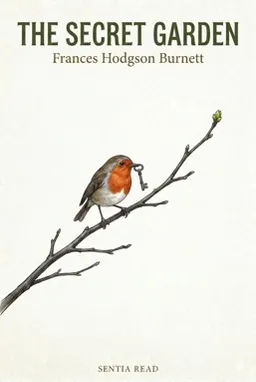
The Secret Garden
Frances Hodgson Burnett
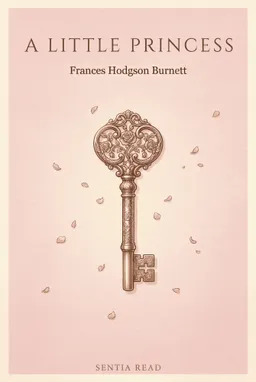
A Little Princess
Frances Hodgson Burnett
Little Lord Fauntleroy
Project Gutenberg
Search on book websites
Search any classic title or author with zero guesswork
Type the name of any famous novel or author to search across 70,000+ indexed public-domain books. Clear metadata, covers, and source badges help you find the right edition without digging through messy file lists.
Library
15%
42%

Finished
Unread
Finished
<1%
Start on curated starter books, then grow into timeless classics
Begin immediately with pre-typeset starter reads like The Weekend. When you are ready for more, explore classic literature by Jane Austen, Arthur Conan Doyle, and Mary Shelley, all living on the same shelf with synced progress.
Emma
By Jane Austen
A well-meaning young woman in Regency-era England appoints herself matchmaker to her village, with results she never intends.
Download for ereaders
- Recommended compatible epub
- Advanced epub
Standard Ebooks is a volunteer-driven project that produces new editions of public domain ebooks.
Browse trusted book sites in-app and import in one tap
Explore Standard Ebooks, Loyal Books, or your own favorite ebook websites in the built-in browser. When a downloadable EPUB or PDF is detected, a floating Add to Library button appears for instant background import.
How it differs from hunting for ebook downloads
Book sources with copyright information
Browse archives such as Project Gutenberg and Standard Ebooks. Check the copyright notice for the edition you choose and the rules where you live before importing it.
One-tap import into an active learning library
Files are automatically parsed, formatted, and connected to your AI dictionary and vocabulary notebook, rather than stranded in a messy Downloads folder.
Unified cross-site search and personal source support
Search across major public-domain archives at once, or add custom book sites that sync seamlessly across iPhone, iPad, Android, e-ink, and desktop.